
Design bouquets anywhere — computer, iPhone or iPad.
Design bouquets from a real flower catalog on your phone and computer — and turn the layout into a photo in one tap.
- Built for working florists
- 570+ varieties
- Web, iPhone & iPad — synced
One studio, on every device you use
Computer, iPhone, iPad or any Android browser — all in sync. Start a bouquet on your phone at the market, finish it on your desktop, and work together as a team.
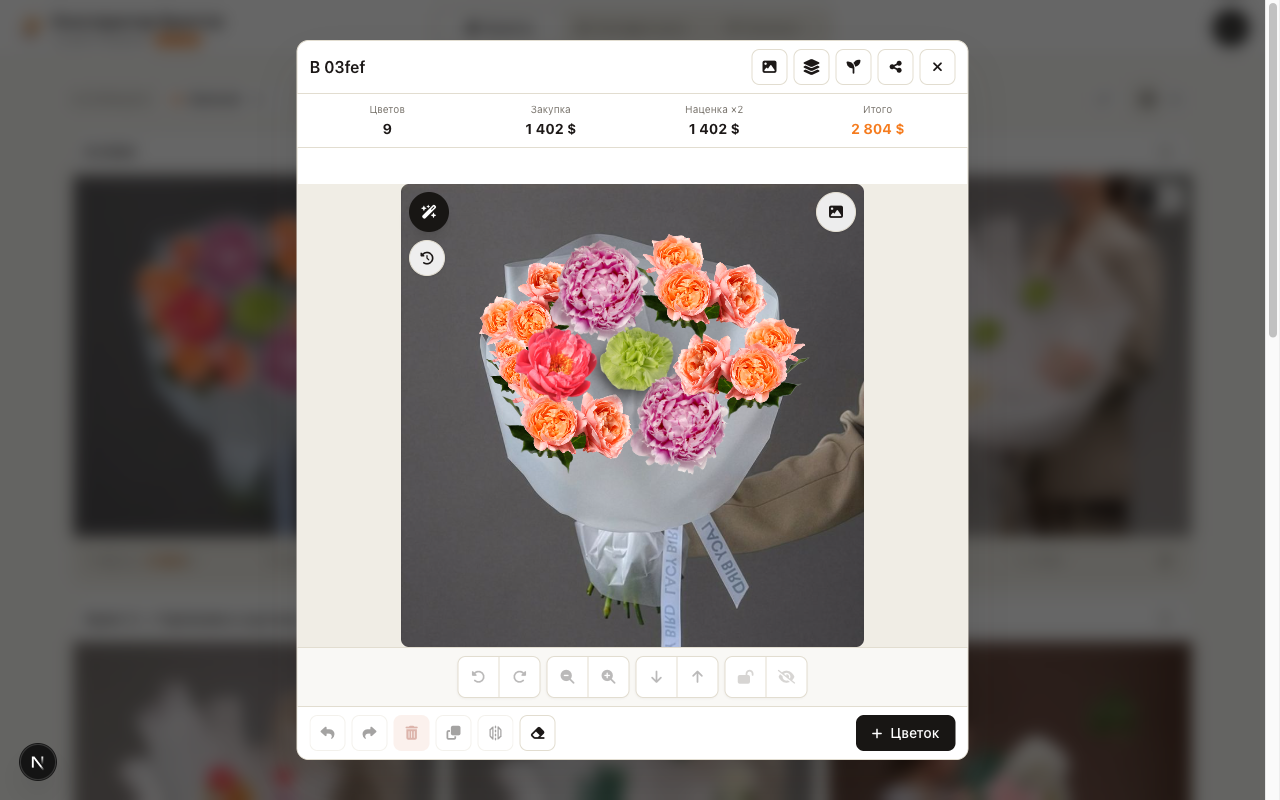
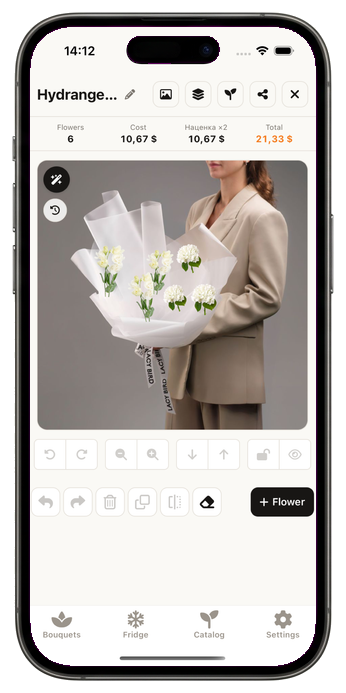
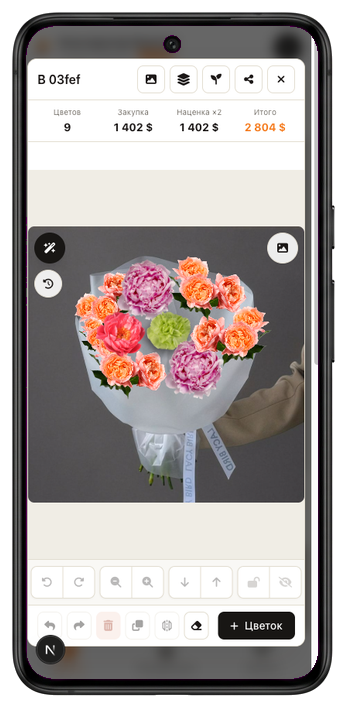
Use it on the web, or get the iPhone & iPad app on the App Store. The Android app is on the way.
Built for designing collections
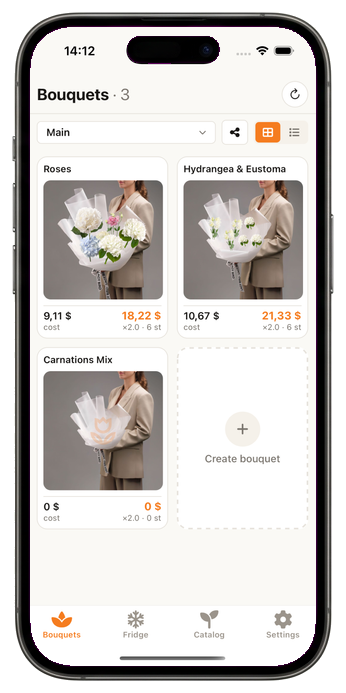
Planning a Valentine’s, March 8th, New Year or Mother’s Day lineup? Work out one set of flowers, reuse it across every bouquet, see how each one looks, and present the whole collection to your team.
- Work out a single palette of flowers
- Reuse it across many bouquet variations
- See exactly how every piece looks
- Present the collection for team review
More than bouquets — any floral composition
Add your own backdrop and design right on it: a bouquet for a specific bride, a dressed wedding arch, a table centerpiece, or a holiday wreath — with fresh flowers or decorative elements.
Bouquets
Hand-tied bouquets of any style
Wedding arches
Dress an arch right on its photo
Table compositions
Centerpieces and event décor
Wreaths & décor
Fresh or decorative elements
One tap — and your design looks like a real photo
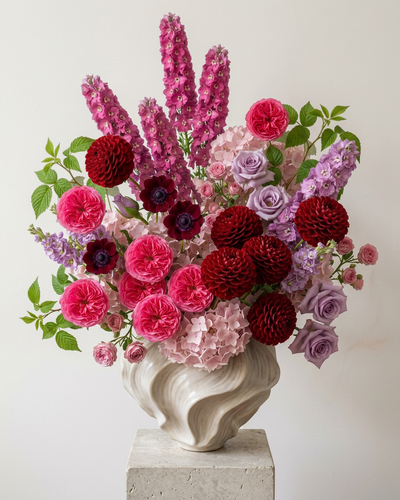
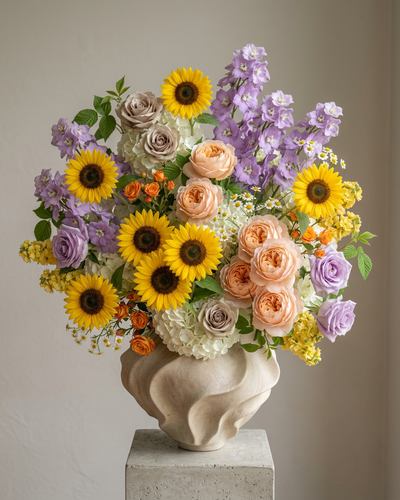
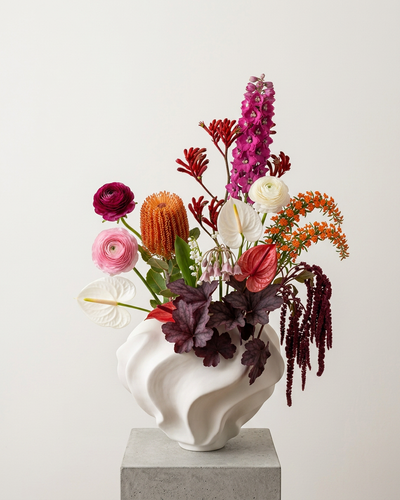
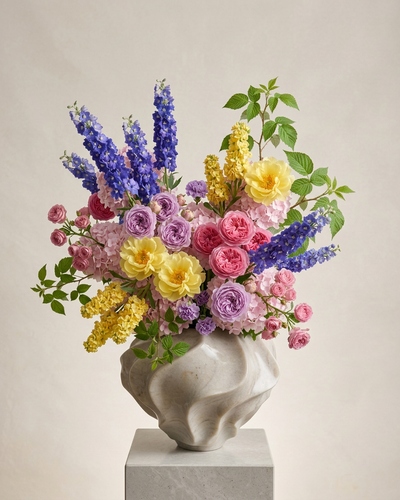
Designed your bouquet? Turn the very same layout into a photorealistic photo in one tap — a little magic that wins client approvals. No photoshoot.
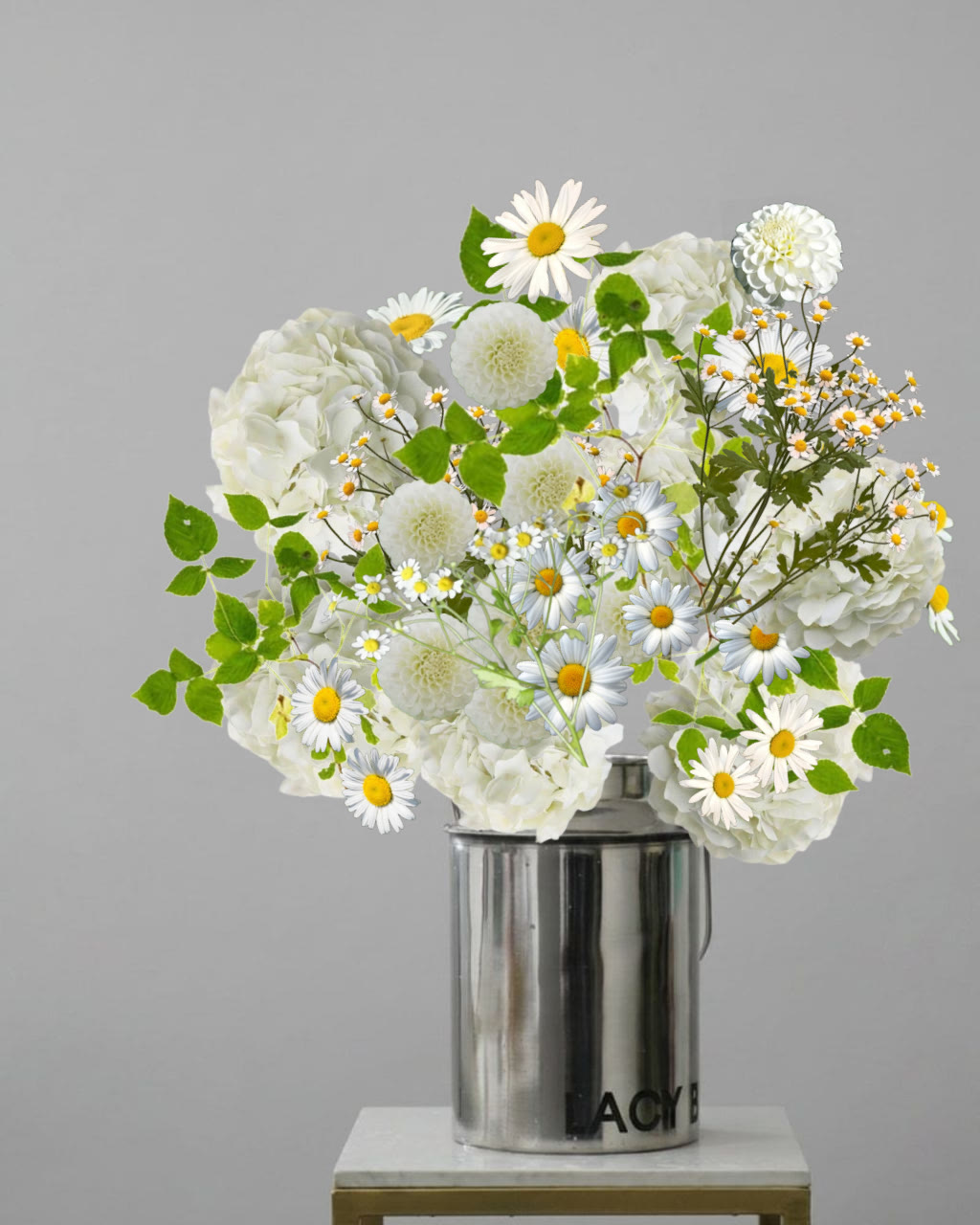
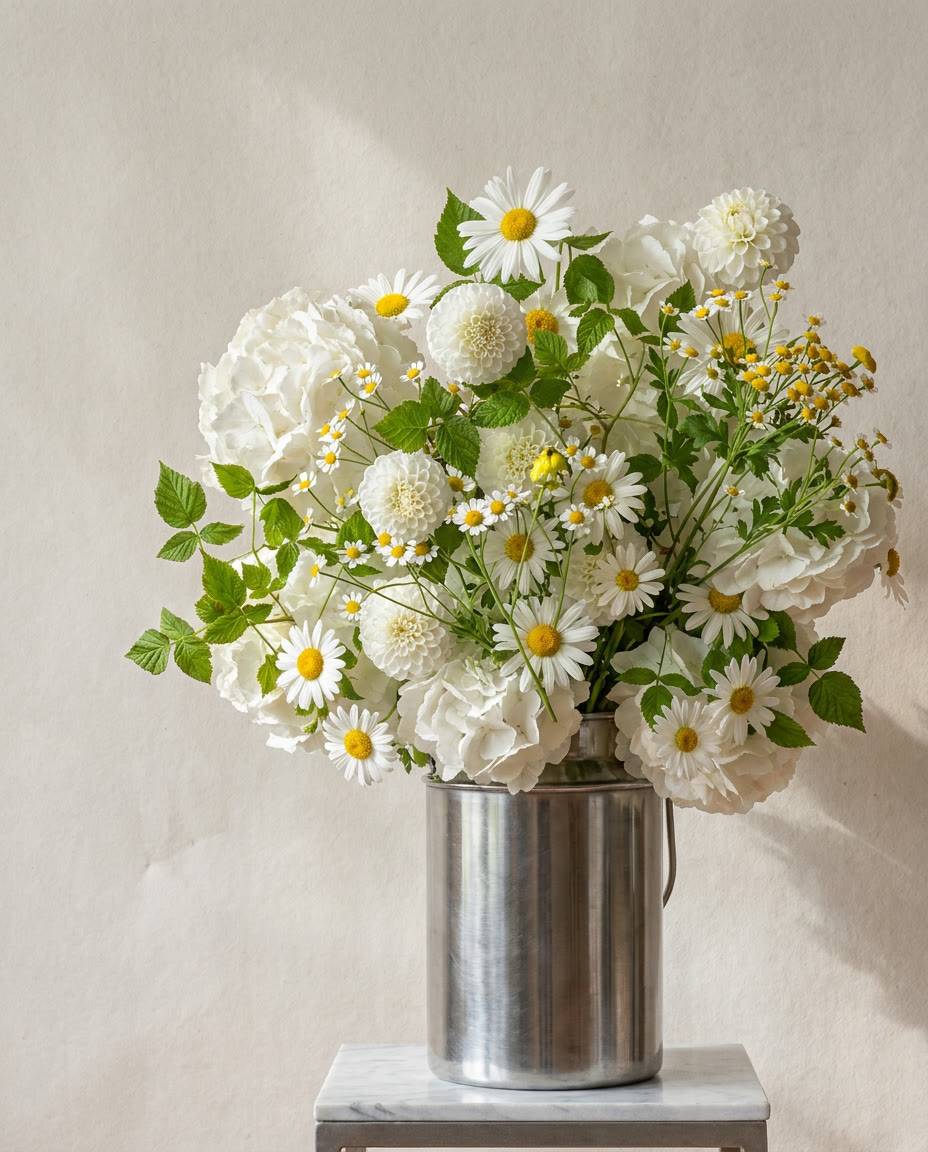
The same bouquet you built — as a photo in seconds.
Stop guessing before you buy
Before
- You can only photograph a bouquet once it’s already made
- Guess the palette, then re-order flowers
- Clients can’t picture the result — and hesitate
- No idea of the real cost until the end
With Bouquet Builder
- See a photo of the bouquet before buying a stem
- Pick the exact varieties from a real catalog
- Send the client a link — they say yes faster
- Cost and retail price calculated instantly
From idea to photo in three steps
No photoshoot, no waiting.
Compose the bouquet
Drag flowers from the catalog onto the canvas and arrange them the way you imagine.
Turn it into a photo
One tap turns your layout into a photorealistic image in seconds.
Price & share
See the cost and retail price, then send a link to your client.
Everything a florist needs to design a bouquet
Design on the canvas
Drag flowers onto the canvas and arrange the bouquet stem by stem, exactly the way you picture it.
Real flower catalog
Hundreds of varieties with photos and properties. Pick exactly the cultivar you mean — or add your own flowers.
Instant pricing & procurement
Turn a bouquet into a purchase list with cost and retail price, so you order exactly what you need.
Collections
Organize bouquets into collections, reorder them, and keep your portfolio in one place.
Share with clients
Send a clean public link to any collection — your client sees the bouquets and prices, no login required.
Realistic photo (the bonus)
When you need it, turn your design into a photorealistic image in seconds — a little magic that wins client approval.
Florists are switching to Bouquet Builder
Sample reviews — we’re replacing these with real florist stories.
“I show the client a photo before buying a single stem — approvals come twice as fast.”
“The procurement list alone pays for the subscription. I stopped over-ordering flowers.”
“My portfolio finally looks consistent — every proposal goes out with a real-looking photo.”
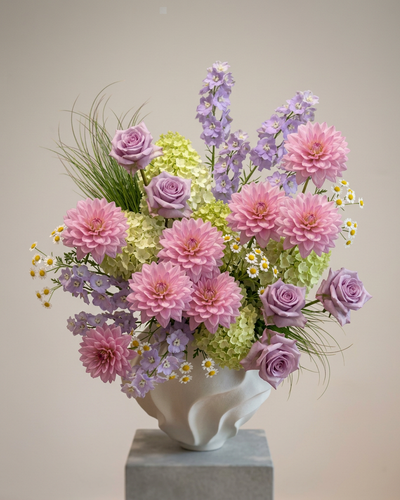
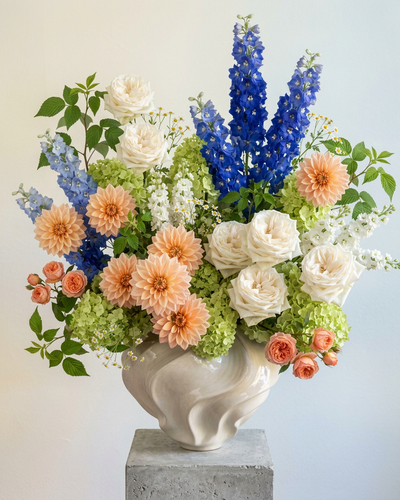
Turn your design into a real photo
Once a bouquet is built, one tap turns it into a photorealistic photo — perfect for client approvals.






Simple pricing
Start free. Upgrade when you need more.
Starter
Everything you need to try it out.
- 1 collection
- Up to 5 bouquets
- 5 realistic photos per month
- Flower catalog
- 3 custom flowers
- 2 custom backgrounds
- Share with clients
Pro
Probilled yearly ($39.99) — save 67%. Or $9.99/mo monthly. Free for 7 days.
For working florists and studios.
- Unlimited collections
- Unlimited bouquets
- 15 realistic photos per month
- Procurement module
- Your own flowers
- Unlimited custom backgrounds
- Your branding
- No ads
Extra realistic photos are available as add-on packs. Prices in USD; local prices may vary on the App Store.
Frequently asked questions
Is it really free to start?
Yes. The Starter plan is free with no card required — try the catalog, build bouquets, and create realistic photos within the monthly limit.
How do I generate a photo of my bouquet?
Compose the bouquet on the canvas, then tap generate — the app turns your layout into a photorealistic image in a few seconds.
Do the realistic photos look real?
They’re photorealistic images meant to communicate the idea to your client. They’re a visual aid and may differ slightly from the real flowers.
Can I add my own flowers?
Yes — the free plan includes 3 custom flowers, and Pro removes the limit.
How do I cancel my subscription?
On the web, manage it in account settings. On iOS, manage it in your Apple ID subscription settings; deleting the app does not cancel it.

Ready to build your first bouquet?
Open the web app today — the iOS app is on the way.
Open the web app